In development. Beta for iPhone, early 2027.

Feed the beast.
Not the bonk.

WorkBeasts works out how much to eat around your training. It won't set a daily target too low, and it shows you how it got your target.

We won't sell or share your email. Privacy policy.

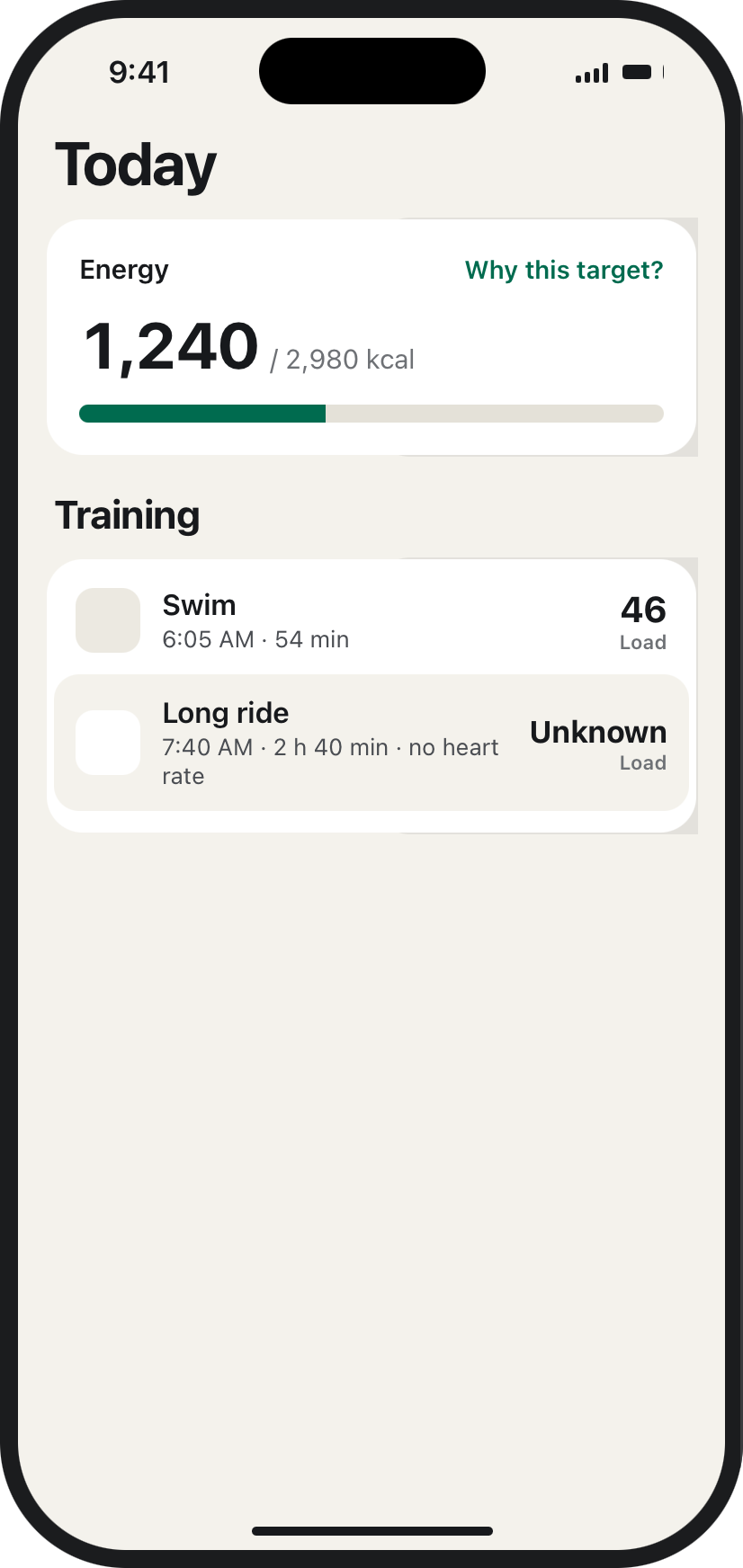
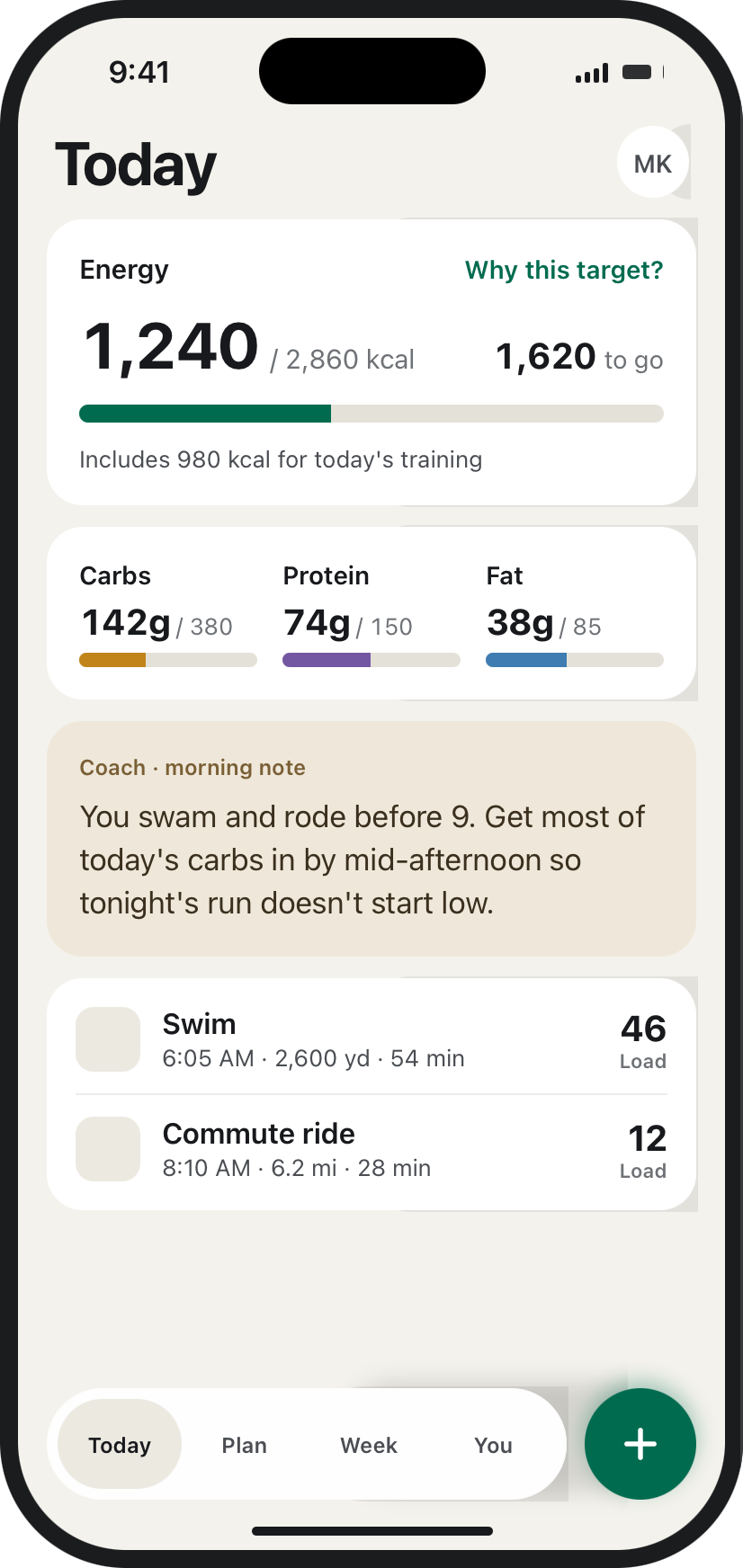
WorkBeasts Today screen — a design preview of the app in development
WorkBeasts founder, training

Who's building it

I'm building it for
my next Ironman.

I've finished two Ironmans. My next full distance is in May 2027. The 23-week build starts on December 7.

I'm building WorkBeasts because I wanted it for my own training. I'll use it every week of that build: the long rides, the bad weeks, the taper.

Beta testers get it first. What they tell me shapes what it becomes.

Willis, founder

iPhone appIn development for iOS
Apple Health and .FIT uploadWhere your training comes from
Beta early 2027Adults 18 and over, in the US

Sound familiar?

Long days falling apart?
Easy days feeling flat?

Tap any that apply. Nothing you tap is saved or sent.

It's often the fuel,
not the training.

When training goes up and eating doesn't, your body runs short. Sessions feel heavier and recovery takes longer. The long day falls apart in the last hour. Most athletes blame their legs.

WorkBeasts starts from your training, not from a weight goal. On a big week, your target goes up.

How it works

Your target follows
your training.

Apple HealthWorkouts, weight, active and resting energy
.FIT uploadA file from your watch or bike computer
WorkBeasts
  • Each session: type, time, duration
  • Training load for each session
  • Your weight trend over weeks

At launch, training comes in from Apple Health or a .FIT file.

  1. Step 1

    It reads your training

    Every session from Apple Health or a .FIT file: what you did, for how long, and how hard.

  2. Step 2

    It sets a daily target

    Resting energy, daily movement and each session, added up for the day. A big day gets a bigger target.

  3. Step 3

    You log what you eat

    Search, scan a barcode, pick a saved food or type the numbers in. Nothing counts until you confirm it.

  4. Step 4

    It adjusts over weeks

    Your target follows your weight trend over weeks, not a single weigh-in. If too many days are only partly logged, it holds your target instead of guessing.

When the data is thin

It tells you when
it doesn't know.

The screens on this page are design previews of the app in development.

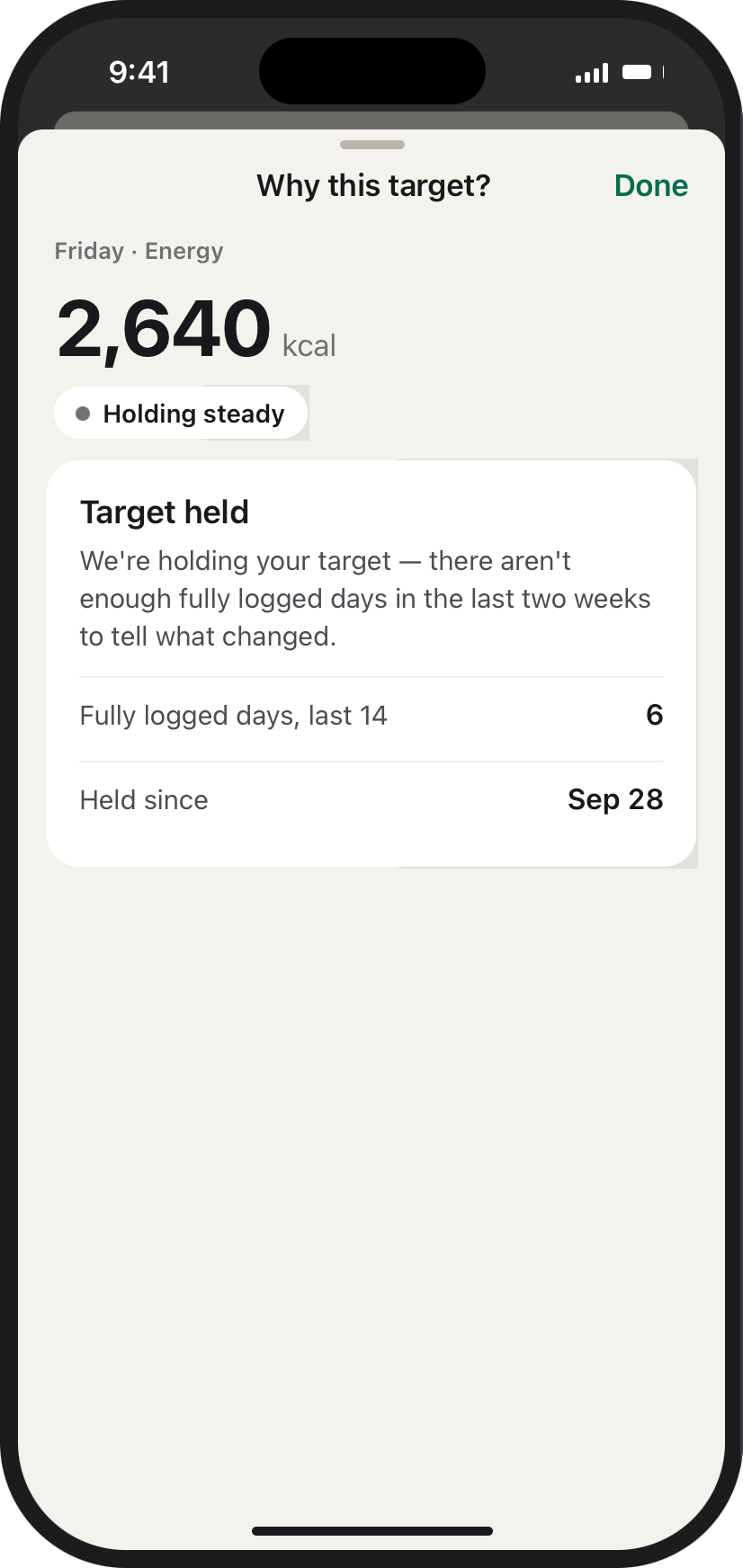
Why this target? — target held because there aren't enough fully logged days in the last two weeks.
Target holdingIt would rather say nothing than guess.
Today — a long ride with no heart rate shows Unknown Load, not zero.
Unknown loadA forgotten watch doesn't become a rest day.
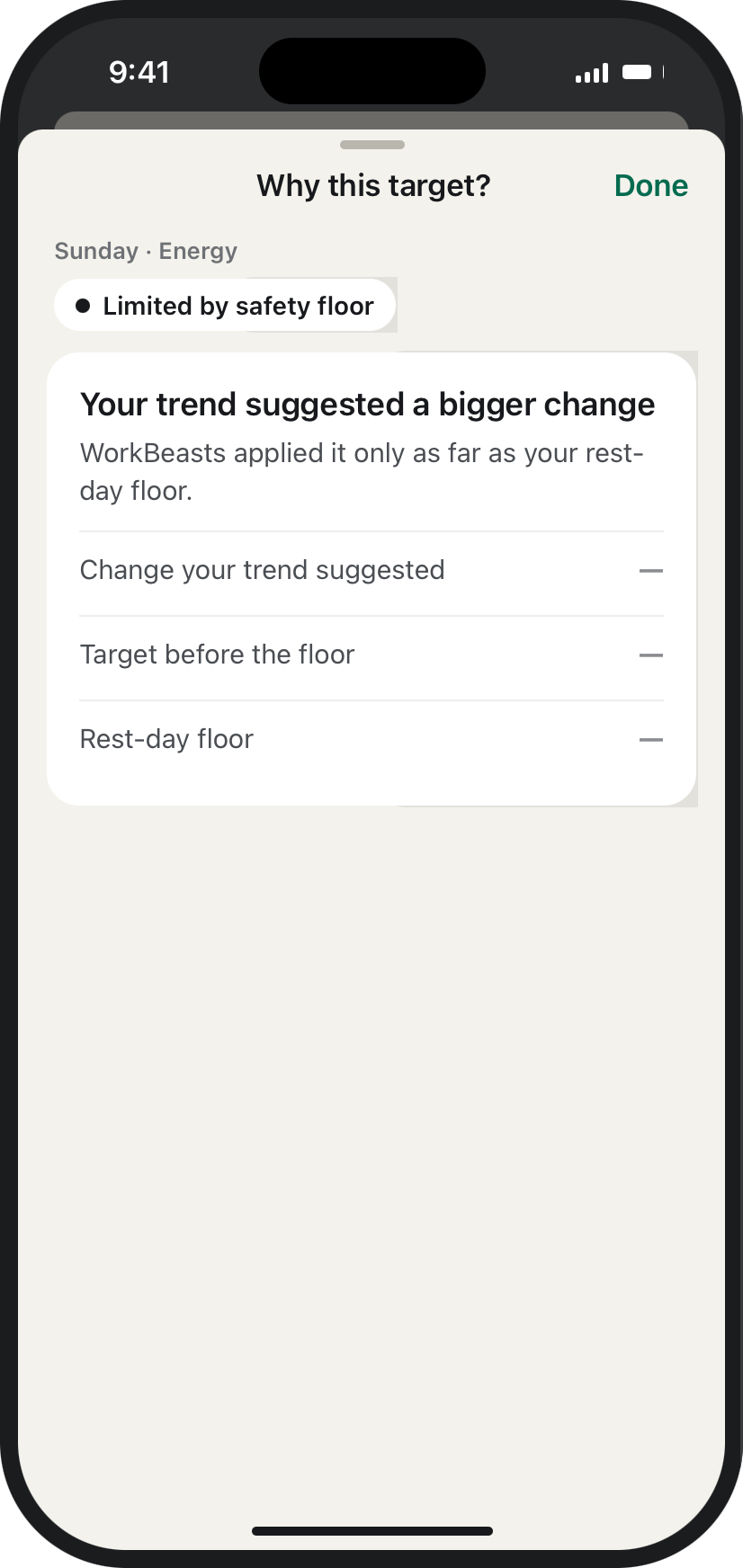
Why this target? — the change was applied only as far as the rest-day floor.
Floor appliedThere's a number it won't go below.

What's different

Two promises about
your daily target.

It shows you how it got your target.

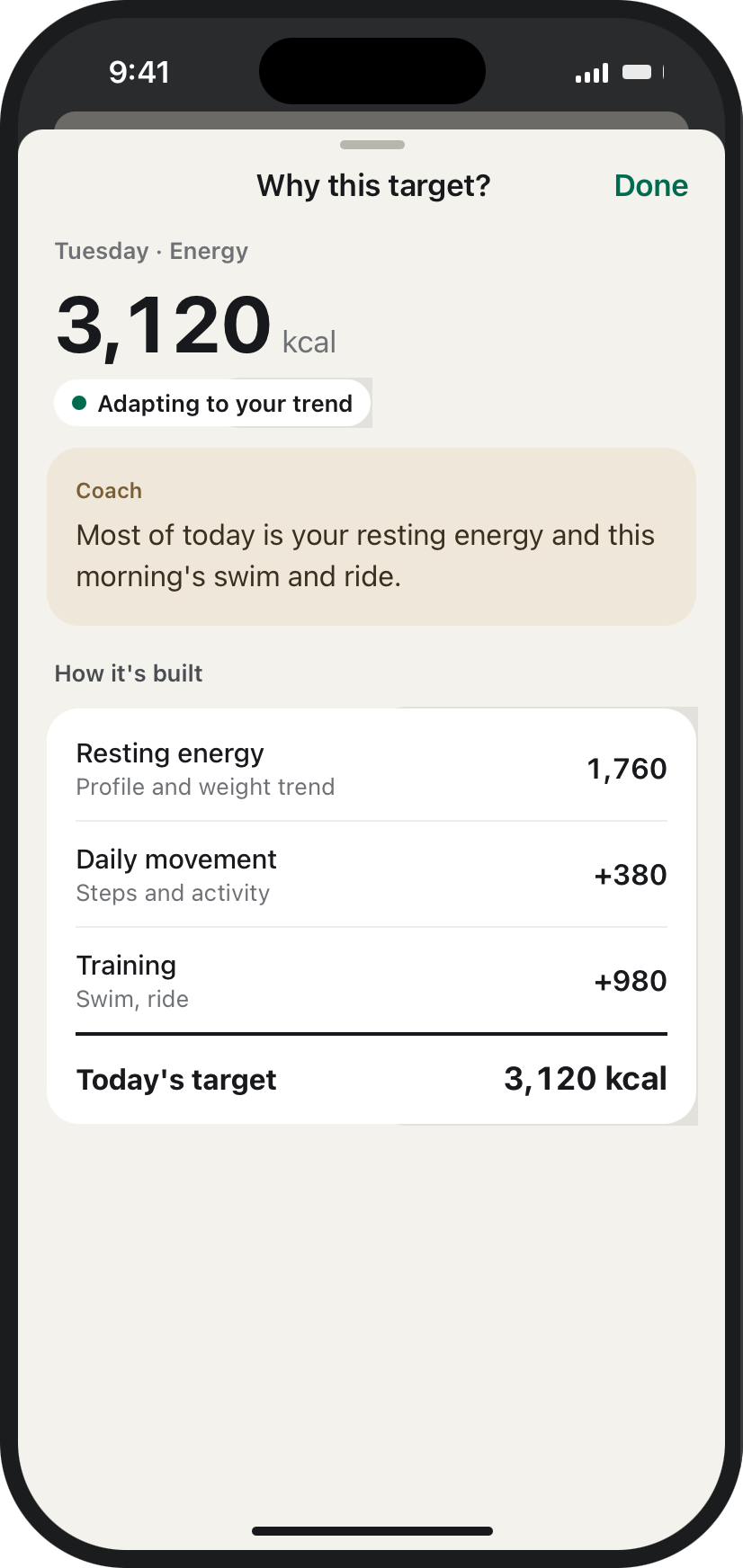
Tap any target and it opens to the sum behind it: resting energy, movement, each session, the goal adjustment, and every guardrail it applied, in plain words.

What it says when it can't tell

“We're holding your target — there aren't enough fully logged days in the last two weeks to tell what changed.”

It won't set a target too low.

It won't hand you a number that leaves you under-fueled for Saturday. Deficits shrink on hard days. Rest days have a floor it won't go under. If your goal asks for more, it says no and tells you why.

What it says when it stops

“Your trend suggested a bigger change. WorkBeasts applied it only as far as your rest-day floor.”

Over and under target are shown the same way — no red, no green.

Example screens

Tap your target. See
how it was built.

Why this target? — the daily target opened to its breakdown
Why this target?Your daily target opens to the sum behind it, and to every adjustment it made.
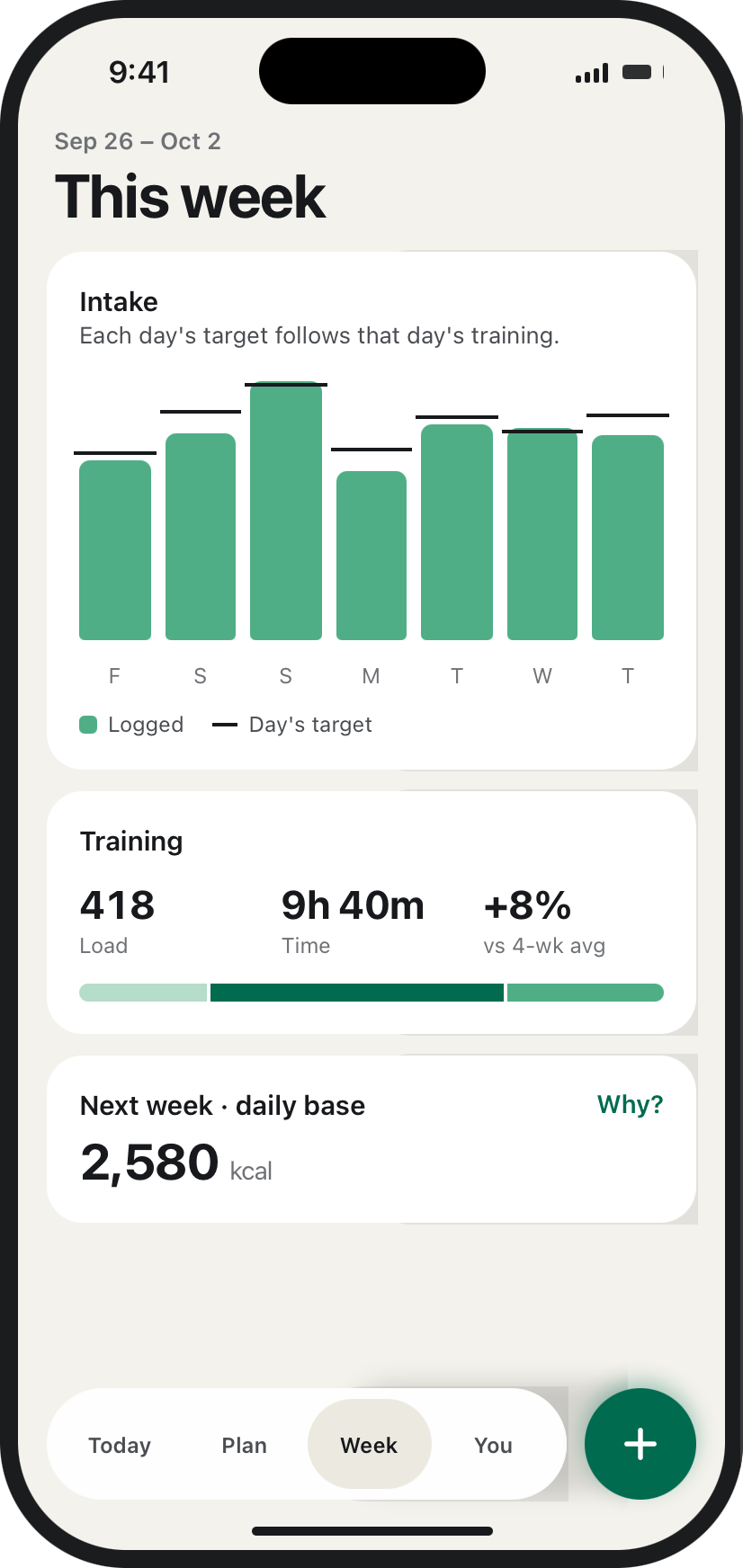
This week — each day's target vs what was logged
Weekly reviewEach day's target follows that day's training. No streaks.

Who it's for

Built for every kind of training

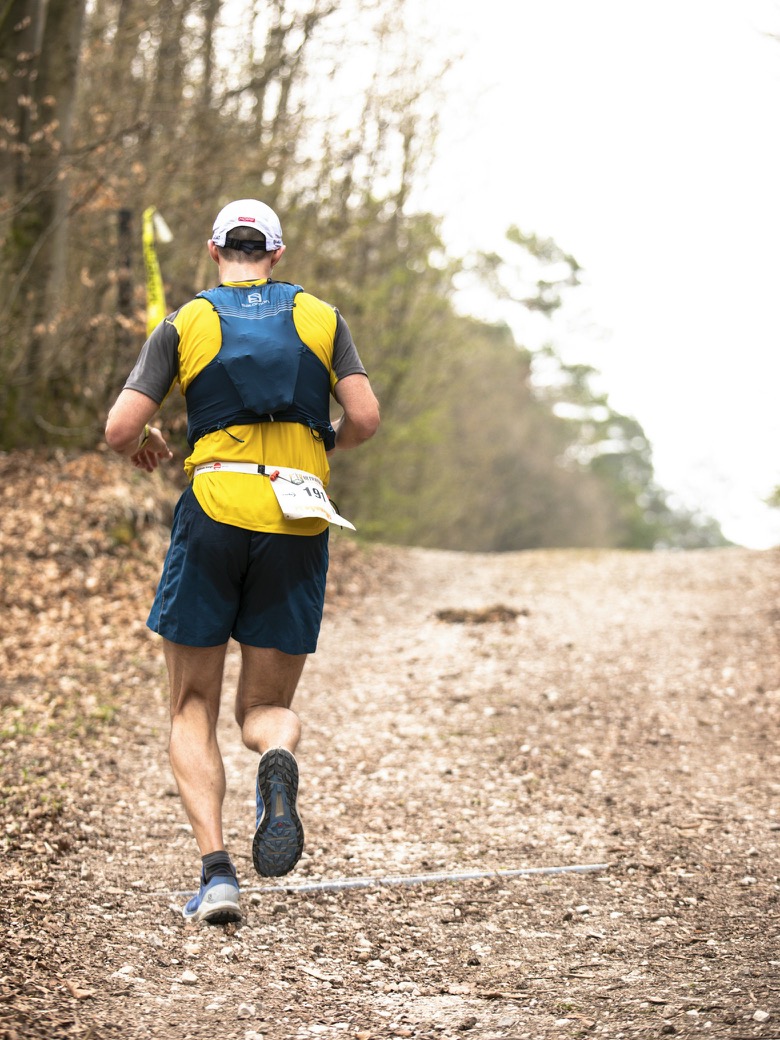
  • Running
    Running
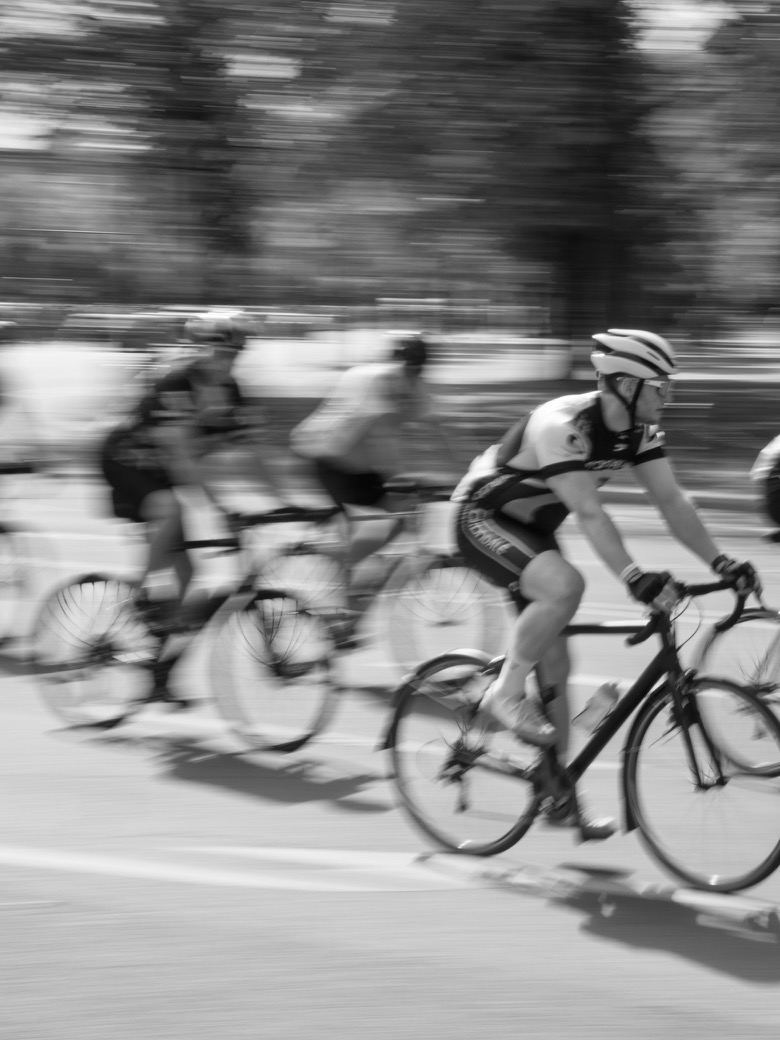
  • Cycling
    Cycling
  • Swimming
    Swimming
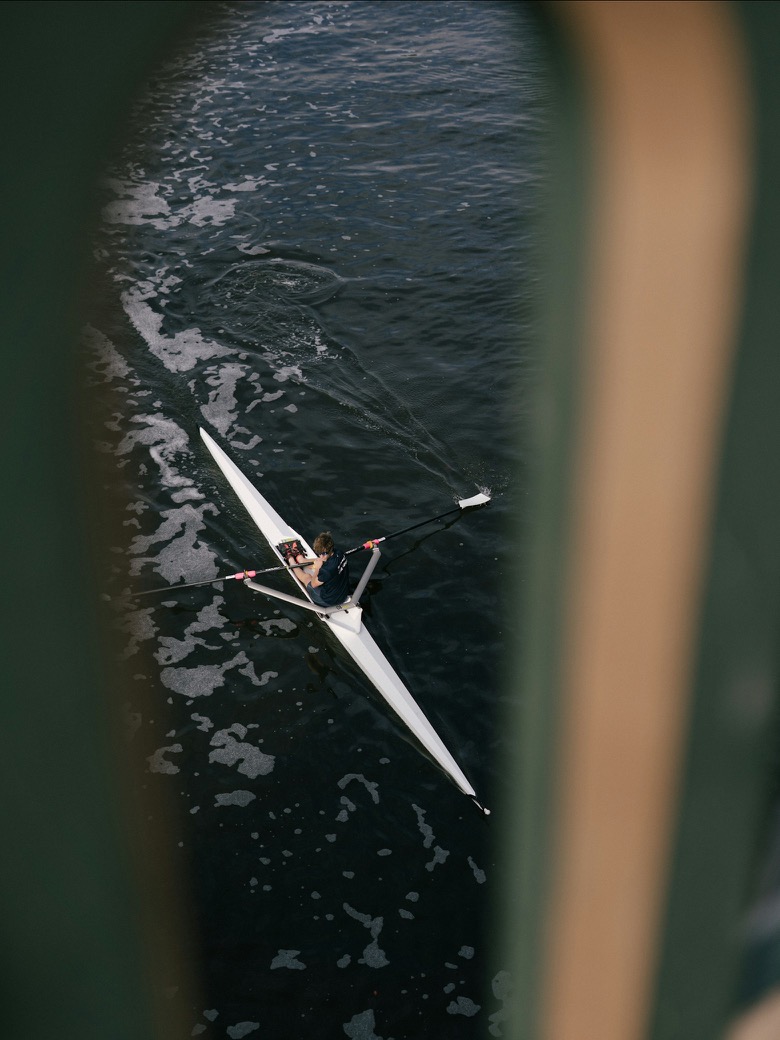
  • Rowing
    Rowing
  • Strength
    Strength

Whatever you train for, your fueling should follow your training, not a fixed diet plan. WorkBeasts reads your sessions and your weight trend and turns them into a daily target that keeps up.

Feed the beast.

Build status

What's built, and what isn't yet.

Worked out

  • Every core screen, light and dark
  • How targets are built, capped and explained
  • Onboarding and food logging

Being built now

  • The iOS app
  • Apple Health and .FIT import
  • Daily targets and "Why this target?"

Not in the first beta

  • Android
  • Anything we haven't tested on a real build

Questions

What people ask before joining.

What do I need to use it?

An iPhone. Training comes in from Apple Health, or from a .FIT file exported from your watch or bike computer. If your training plan is in Apple Calendar, it can read your planned sessions from there, and you confirm each one. With nothing connected, your target comes from your profile and goal.

Do I have to log everything I eat?

The more complete your days, the better it gets. If logging is patchy, it holds your target rather than guessing from half the picture. It tells you when it's doing that.

Is this a diet app?

No. It's built to fuel training. You can set a goal to lose, hold or gain weight, but it caps how fast your weight can change. It won't set a target too low to train on.

What will it cost?

Pricing isn't set yet. People on the beta list will hear first.

When can I have it?

The beta opens in early 2027, on iPhone, for adults 18 and over in the US.

What happens to my data?

This site only collects the email you give us for the beta list. The app's privacy policy will be published before the beta opens.

Is this medical advice?

No. WorkBeasts offers fueling guidance and education. It isn't a substitute for a doctor or registered dietitian.

Feed the beast.

Join the beta list for the iPhone app. Early 2027, US only.

We won't sell or share your email. Privacy policy.